An expense app without a bank connection: why it is better
Bank syncing does not save you the work. It trades it for incomplete coverage and your credentials in somebody else's hands.
In short
An expense app without a bank connection covers all of your money, cash included, and hands your credentials to no middleman. Automatic syncing promises you will never record anything, but in practice it cannot see cash, covers banks incompletely, guesses categories wrong, and removes the one moment when spending is noticed: while you are doing it. Recording by hand costs about ten seconds per expense.
"Connect your bank and the app does the rest" is the most repeated promise in this category. It is worth looking at the whole trade before accepting it.
What the middleman receives
Outside countries with regulated open banking, the connection works like this: you give your online banking credentials to a third-party provider, which logs into your account on your behalf and reads your transactions.
That means your bank username and password live in a system belonging to neither the bank nor you. Not necessarily insecure, but a decision worth taking deliberately, knowing who the provider is and what its policy says.
An app that does not offer the connection carries none of that risk, because it has nothing to protect: it never had your keys.
Which expenses never appear
Three gaps, none of them small:
- Cash. The bank sees the withdrawal, not where it went. In many places that is a large share of daily spending — see how to track cash spending.
- Unsupported banks. Coverage is always partial, and the one missing is usually the small bank or the new fintech card.
- Money that never passes through your account. What a friend paid that you will repay, what somebody transferred for a shared cost, the loan from family.
An app covering seventy per cent of your money does not give you an incomplete picture, it gives you a wrong one — because the total it shows looks like a total.
The categorising is guesswork
A transaction the bank reports as "POS PURCHASE 4471 MERCHANT" has to become a category, and an algorithm does that from a merchant name. It gets the large chains right and much else wrong.
So you end up reviewing and correcting anyway, only in a batch and a week later, when you no longer remember what the charge was.
What gets lost without anybody noticing
This is the argument almost nobody makes and the one that matters most.
Recording an expense as you pay it makes you notice the expense. It is a second of attention at the moment the decision still exists. Plenty of people who start keeping accounts discover that this second is the entire mechanism, and the end-of-month report is only the confirmation.
Automation removes exactly that second. You find out about everything afterwards, when nothing can be done about it.
How much work it really is
Ten seconds per expense, five to fifteen expenses a day for most people: one or two minutes daily. That is the whole price of having the complete number instead of part of it.
What matters is that those ten seconds really are ten. If the app takes longer, you will not do it in a supermarket queue, and then nothing helps — it is the first criterion in how to choose an expense tracking app.
Common questions
- Is a bank connection insecure?
- Not necessarily, but it means a third party gets read access to your account, usually with your own credentials. That is a decision worth taking deliberately rather than for convenience.
- Is recording everything by hand not a lot of work?
- One or two minutes a day, in ten-second pieces. What makes an app unbearable is not the number of expenses, it is each one taking too long.
- What if I forget to record for a whole day?
- Nothing serious: check your bank's transactions for that day and fill in what is missing, and for cash count your wallet and record the difference. One lost day does not break a month.
- Can I import my transactions without connecting the bank?
- Yes. Almost every bank lets you download a transactions file, and that file can be imported without handing anybody your credentials. It is the best of both routes.
Try it on your own money
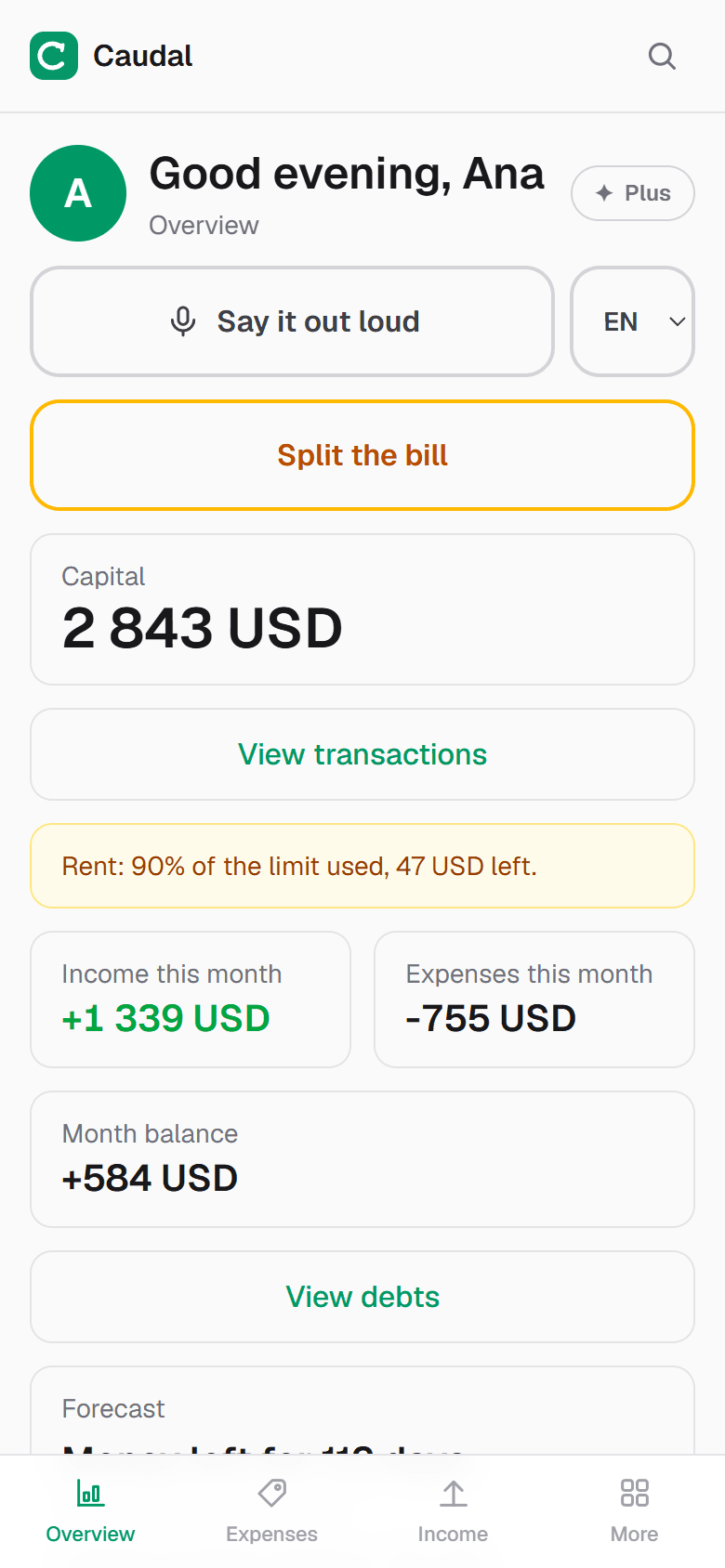
Caudal is an expense tracker in Spanish, English and Russian. Several currencies, goals, debts, a shared household budget. Recording an expense takes three seconds.
Start free