How to choose an expense tracking app
The best expense tracker is the one you are still using in month three. Everything else is secondary.
In short
When choosing an expense tracker, measure one thing before anything else: how many seconds it takes to record an expense. More than ten and you will not do it in a supermarket queue, which makes the app useless. Then check that it stores amounts in their original currency, that you can export your data free, and that you can delete your account from inside the app.
There are dozens and they all look good in the screenshots. The difference shows up in week three, when the novelty is gone and the only question left is whether recording an expense is easy.
10 seconds
The limit for recording a spend
Longer and you will not do it in the checkout queue
All your money
Cash included
An app blind to cash shows you half the picture
Your data
Export and delete
If you cannot leave with your data, it is not yours
First: how long recording takes
Time it. Open, pick a category, type the amount, save. If it takes more than ten seconds you will not do it in a supermarket queue, and an expense tracker you do not record expenses in is useless entirely.
Everything else — charts, reports, forecasts — is built on that one repeated gesture. If the gesture is slow, no report will save the app.
Automatic versus manual
Apps that connect to your bank promise you will never have to record anything. In exchange: partial bank coverage, categorisation that guesses wrong, invisible cash, and your banking credentials held by a middleman.
Recording by hand costs ten seconds and has an effect automation removes: you notice the spending at the moment you do it. Plenty of people discover that this is the entire mechanism, not the end-of-month report.
There is a practical reason too: a large share of spending in many places is still cash, and no bank connection sees it.
Several currencies
If you hold or spend in more than one currency, check this before you start. Many apps convert everything into one and lose the original, which means your history is rewritten every time the rate moves. The right behaviour is to store the amount in its own currency and also convert it at the day's rate.
Language and context
A half-translated app, with categories designed for another country and unfamiliar date formats, gets abandoned faster than people expect. Speaking your language is not cosmetic: it is the difference between understanding a report at a glance and translating it in your head.
Privacy questions that matter
- Does it ask for your banking credentials? If so, through whom?
- Does it sell or share data with third parties? It is in the policy, however dull.
- Can you delete your account and everything in it from inside the app, without sending an email?
Export: the deciding question
Can you get your data out into a file, today, for free? If not, every month makes you more stuck, and the day the app raises its price or shuts down you lose years of history.
An app that charges you to take your own data away is telling you how it understands the relationship.
Free, paid, and the middle
Be wary of two extremes: limits on how many transactions you may record — charging for the basic act breaks the habit and therefore the product — and completely free with no explanation of what it lives on.
A healthy model: recording and seeing the current month free forever, and paying for what accumulates over time — long history, several people, deeper reports.
The two-week test
Install one, use it properly for fourteen days, and watch one thing: did you open it without forcing yourself? If yes, it is yours. If not, no feature on the list will fix that.
Common questions
- Bank connection or manual entry?
- A bank connection cannot see cash, covers banks incompletely, guesses categories wrong and leaves your credentials with a middleman. Manual entry costs ten seconds and makes you notice the spending as it happens, which for many people is the entire mechanism.
- What are the signs I will abandon an app?
- Slow entry, a half-finished translation, categories designed for another country, and caps on how many transactions you may record. The real test: use it properly for fourteen days and watch whether you opened it without forcing yourself.
- Is it normal to be charged for exporting my data?
- It is a warning sign. If you cannot get your history into a file today and for free, every month makes you more stuck, and the day the app raises its price or shuts down you lose years of records.
Try it on your own money
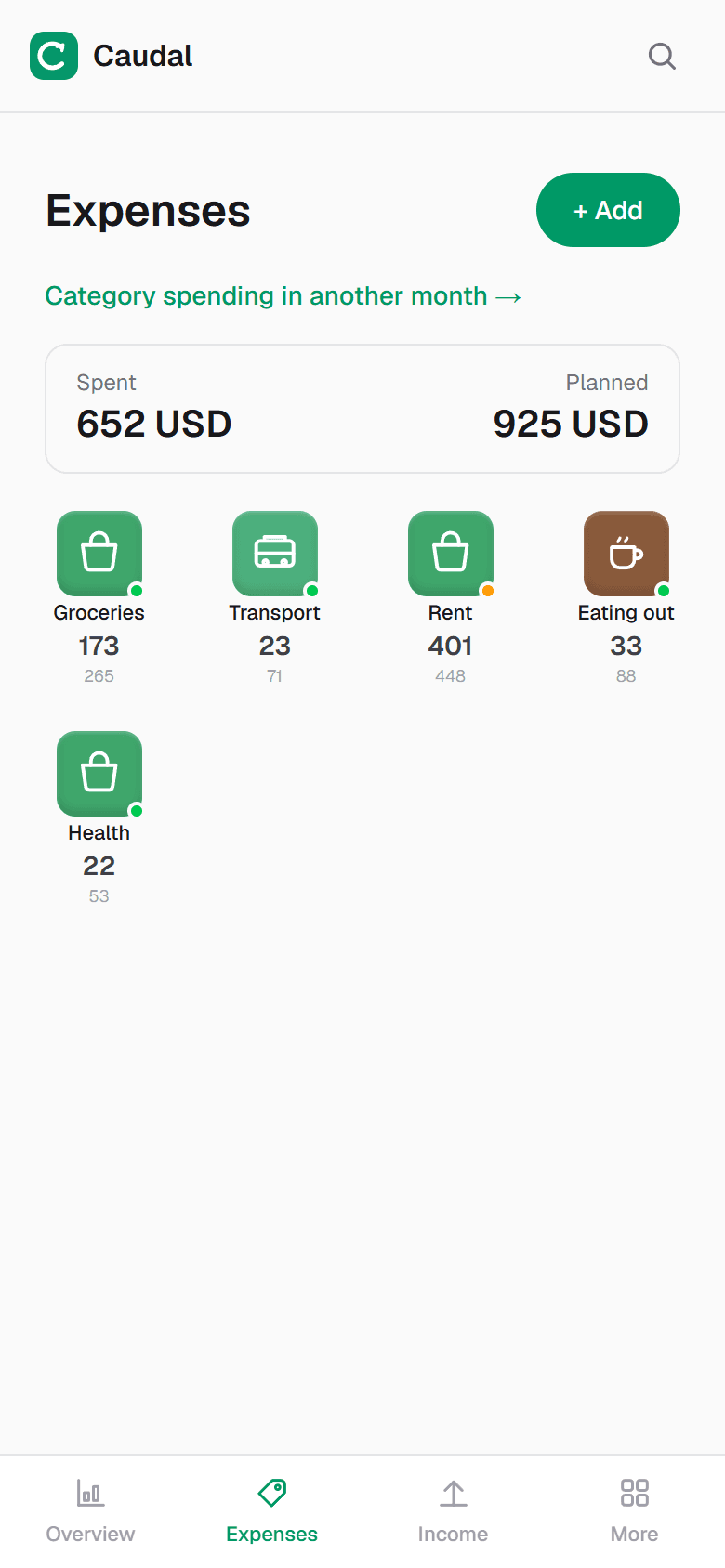
Caudal is an expense tracker in Spanish, English and Russian. Several currencies, goals, debts, a shared household budget. Recording an expense takes three seconds.
Start free