Spreadsheet or app for budgeting: which one actually suits you
A spreadsheet does not fail because it is old. It fails at the one moment that decides everything: while you are paying, with one hand full.
In short
A spreadsheet wins when you need calculations of your own, when the money belongs to a business with its own rules, or when nobody is going to record anything daily. An app wins when recording has to happen at the moment of paying, when there is more than one currency or more than one person, and when the record has to survive a busy week. The test is not power: it is where the data gets lost.
Almost nobody abandons a spreadsheet for lack of features. They abandon it because they stopped filling it in around March, and a half-filled sheet lies more than no sheet at all.
Where the data gets lost
A budget has two moments: recording and reviewing. A spreadsheet is excellent at the second and clumsy at the first.
Recording happens standing up, in a queue, with a phone in one hand. Opening a sheet on a phone, finding the right row, typing into the right cell and not breaking a formula while doing it is a one-minute operation, and it gets postponed to Sunday. By Sunday memory has erased half of it.
1 minute
What recording into a sheet from a phone costs
Enough to postpone it until the weekend
30-50%
What is lost when reconstructing from memory
Small purchases are exactly the ones that go
Once a month
What a spreadsheet is unbeatable at
Reviewing, projecting, running your own numbers
The three cases where a spreadsheet wins
Without false modesty, there are situations where an app is worse, and it is more honest to say so.
- You need calculations nobody programmed. Amortisation, scenarios, a model of your own business with its own rules. No app will hand you an empty cell and total freedom.
- The money is not personal. Invoicing, tax, partners, a real chart of accounts. That is bookkeeping, not budgeting.
- Nobody is going to record daily. If the honest plan is to sit down once a month with a bank statement, a spreadsheet does that job perfectly and there is nothing to change.
The three cases where it loses
- Recording has to happen at the moment. The most common case and the decisive one, because a budget nobody fills in is not a budget.
- There is more than one currency. A sheet converts at the rate of the day you wrote the formula, and recalculating changes what last year cost. A past purchase must never move.
- There are two of you. Two people editing one sheet from two phones is the well-known recipe for an overwritten cell and an argument.
The mixed case, which is the real one
Plenty of people do not have to choose. They record on the phone, because that is where spending happens, and once a month export into a sheet to run their own numbers. That works, and we make it possible on purpose: the data comes out as an ordinary file, with no lock-in.
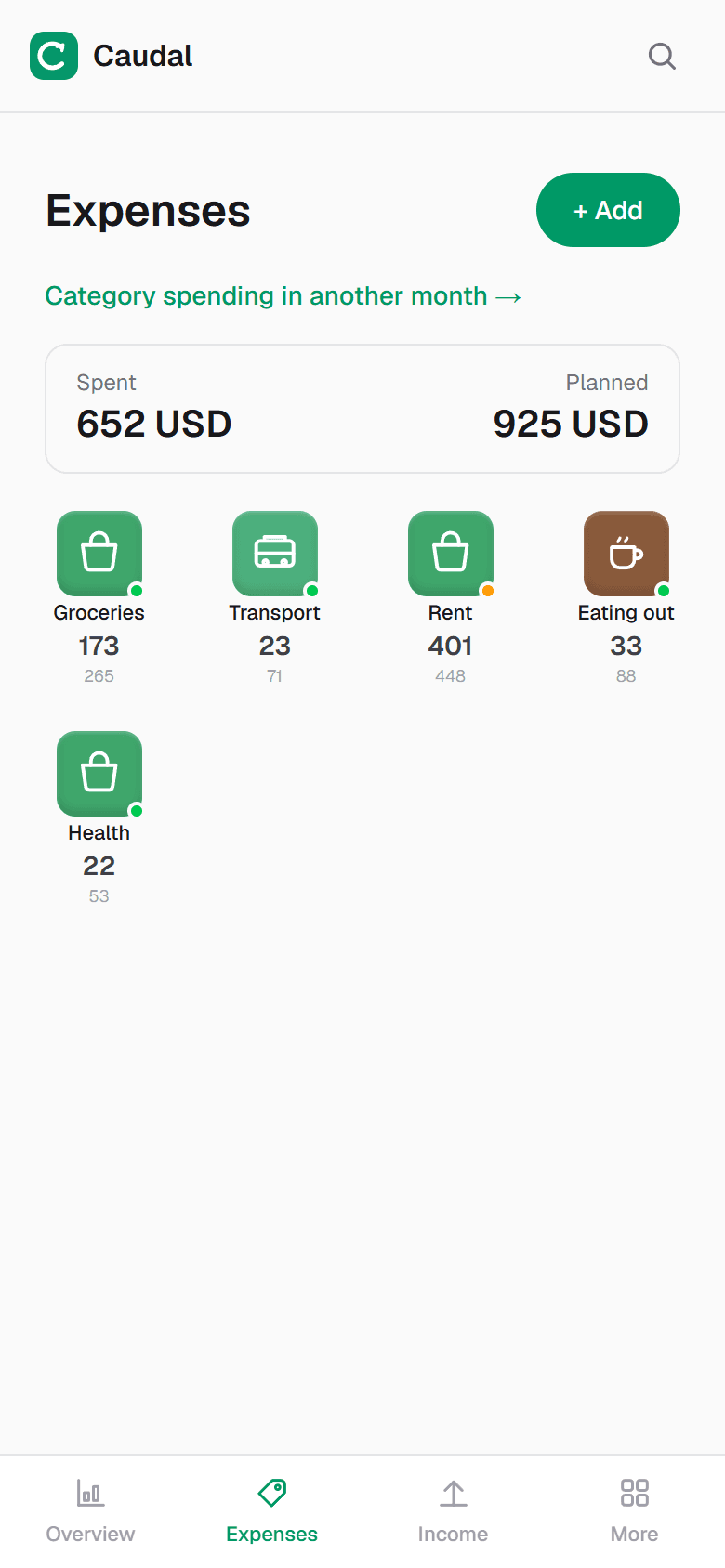
Moving years of spreadsheet without typing it again
This is what stops most people, and it should not. If your sheet has a column per month and a row per category — the shape almost all of them end up in — it can be pasted as it is and becomes expenses with the right dates, each month in its own month.
What survives is what matters: the history. A budget with no past cannot tell you whether December is expensive or how fast groceries are rising, and those answers take a year to build from scratch.
How to decide in one minute
Answer a single question: did you record anything last week?
If yes, your system works and changing it would be a whim. If no, the problem is not your discipline or your formulas: recording simply costs too much at the moment it has to happen.
Common questions
- Is a spreadsheet safer than a finance app?
- It depends what you are comparing it with. A sheet on your own computer is seen by nobody, and it is also lost with the computer. What is worth checking in an app is whether it demands a bank connection: if it does not ask, there are no banking credentials anywhere, and that is the real risk.
- Can I move my spreadsheet into the app without retyping everything?
- If it has the usual shape — a column per month, a row per category — it can be pasted and imported with each month's dates. Keeping the history matters: without a past there is no way to tell whether this December was expensive.
- Can I use both at once?
- Plenty of people do, and it makes sense: record on the phone, where the spending happens, and export once a month into a sheet for calculations of your own. That is why the data has to be able to leave as an ordinary file.
Try it on your own money
Caudal is an expense tracker in Spanish, English and Russian. Several currencies, goals, debts, a shared household budget. Recording an expense takes three seconds.
Start free